Chessy
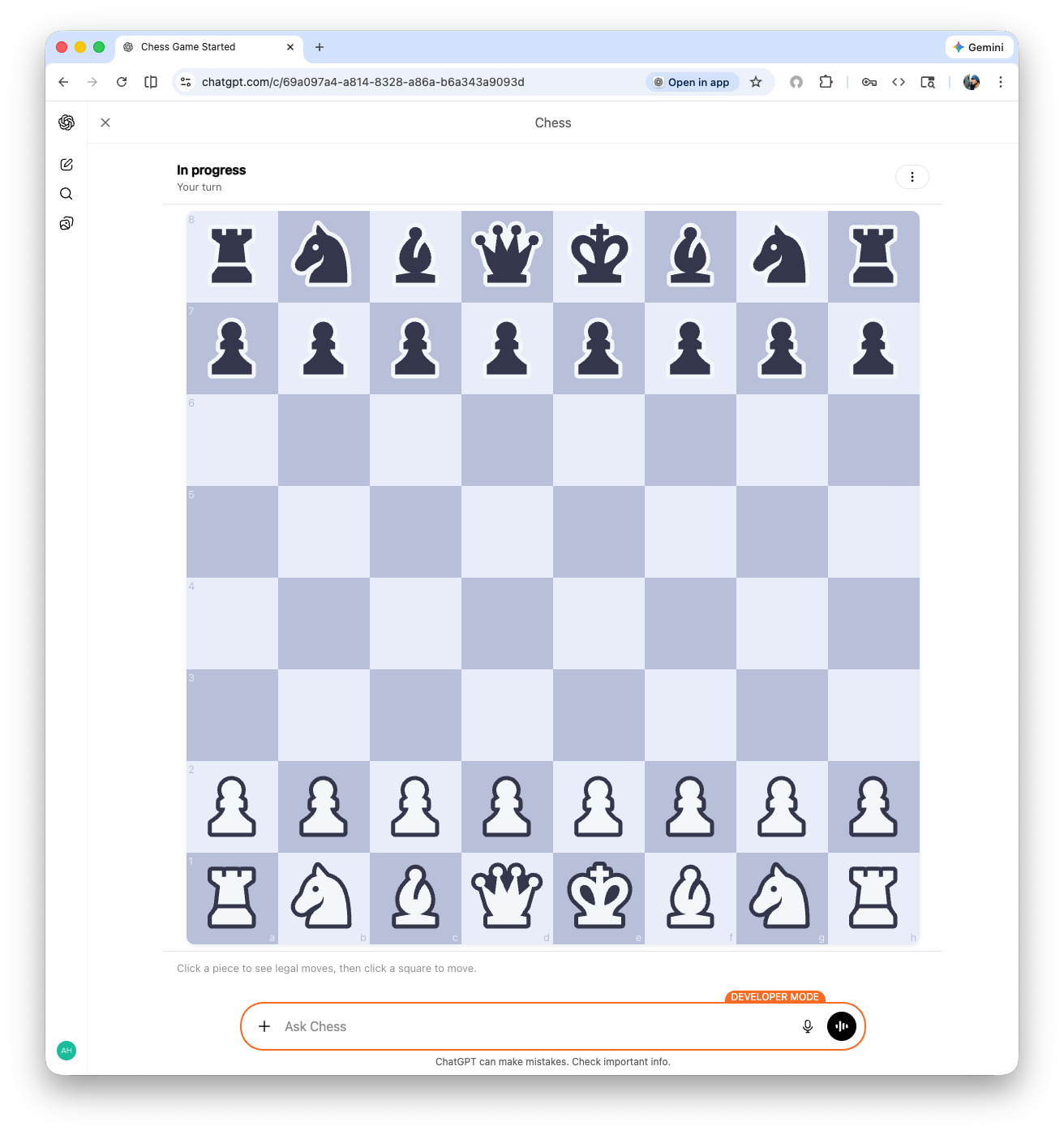
Play Chess Against ChatGPT
Challenge AI to a game of chess directly inside ChatGPT.
Play as White
You always play as white, making the first move against ChatGPT.
Ask for Help
Stuck on a move? Ask ChatGPT for strategic advice mid-game.
Totally Free
No account needed. Just connect and start playing instantly.
How to Add to ChatGPT
-
Enable Developer Mode
In ChatGPT, open Settings → Apps & Connectors → Advanced settings and toggle Developer mode on. Available on Pro, Team, Enterprise, and Edu plans.
-
Add Chessy as an App
Go to Settings → Apps → Create app. Enter Chessy as the name and paste the URL:
https://chess.altmatter.com/mcpFor authentication, select No Auth. Then click Create and wait for the connection to be verified.
-
Start Playing
Open a new ChatGPT conversation, click + near the message box, then More, and select Chessy from the list. Say "Let's play chess!" and the board will appear.